
Download DVD2SVCD – DVD to SVCD Converter, Video Backup, Media Utility
Overview
DVD2SVCD is a specialized utility designed to convert video content from DVD format into the SVCD (Super Video CD) format, enabling users to store and play movies on standard CD media. This tool addresses the practical need for compact, portable, and widely compatible video backups, particularly for users who wish to preserve their DVD collections in a more accessible and space-efficient format. The application targets media enthusiasts, home users, and individuals seeking to repurpose old DVD content for playback on legacy or basic DVD players that support CD-based media.
While the developer, DVD2SVCD Team, has not provided extensive background details, the app’s release date of February 2, 2006, places it in an era when physical media transitioned from DVDs to digital formats. Its continued availability suggests enduring utility for niche users who still rely on CD-based playback systems. Real-world use cases include archiving favorite films, creating portable movie libraries, and reducing reliance on bulky DVD discs. In the broader app ecosystem, DVD2SVCD occupies a unique space as a legacy tool that fills a specific gap—offering a reliable, no-cost solution for format conversion in an age dominated by streaming.
Key Features & Functionality
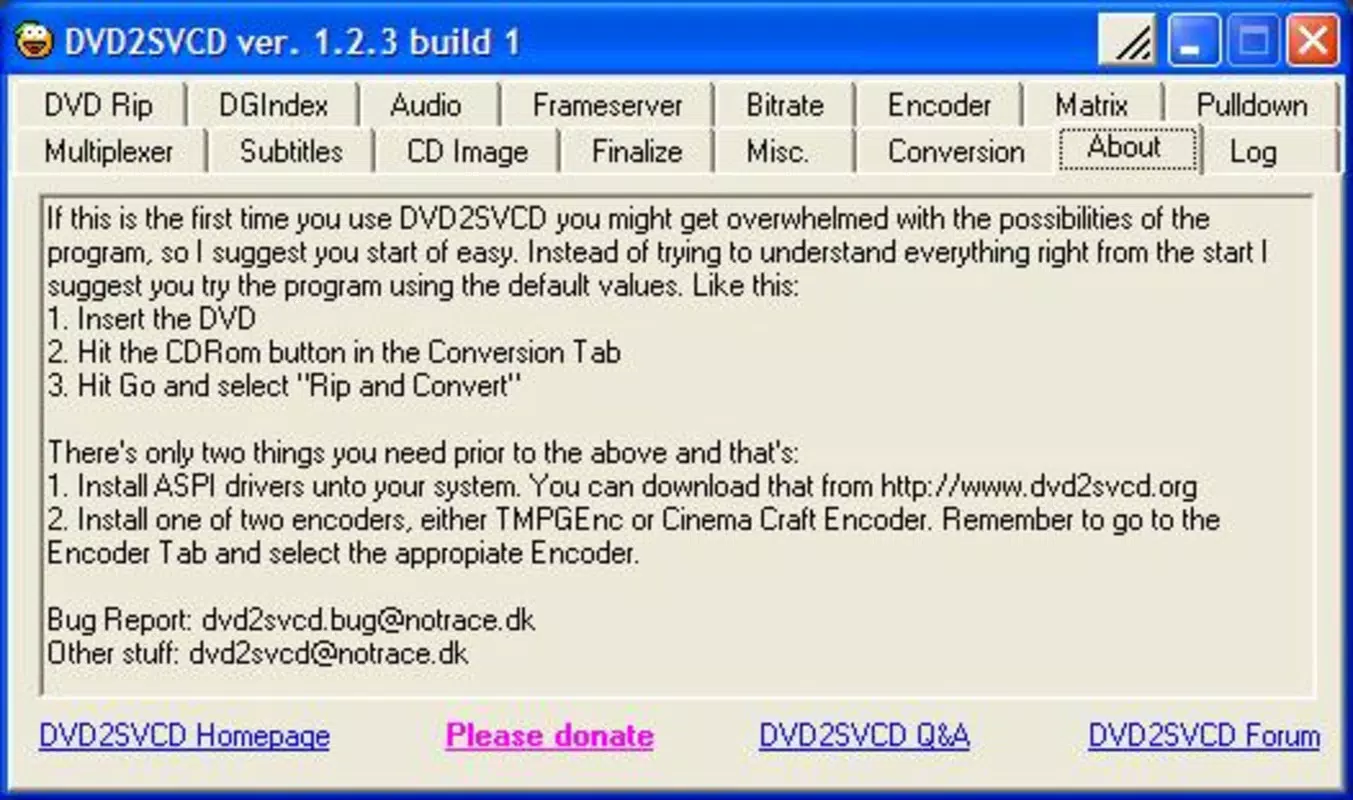
- Automated Conversion Process: DVD2SVCD streamlines the conversion workflow by automatically handling complex encoding tasks. Users can initiate the process with minimal input, making it ideal for those unfamiliar with video encoding parameters.
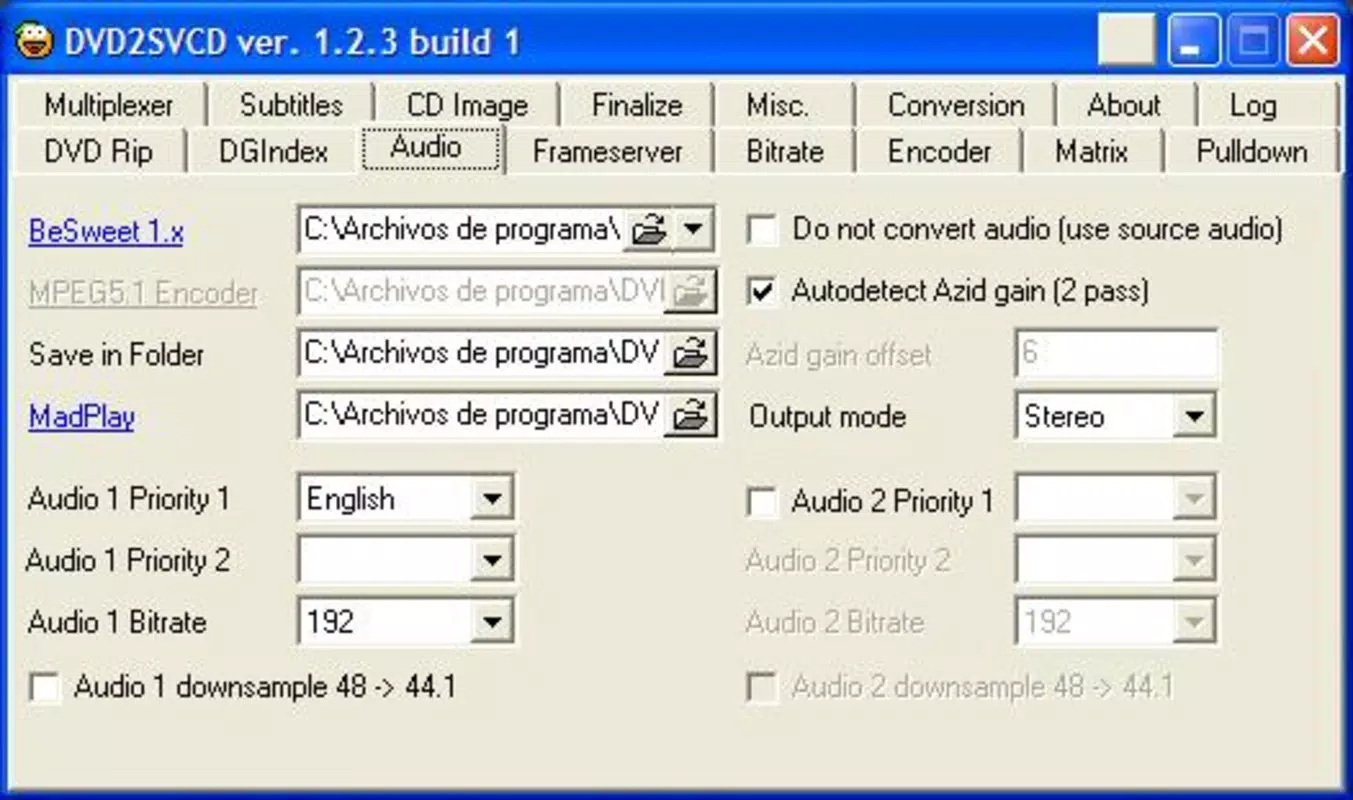
- Custom Output Options: The tool allows users to select preferred audio tracks, subtitles, and channel configurations. This ensures the final SVCD output aligns with personal viewing preferences, such as language or audio format.
- VCD Compatibility: The resulting SVCD files are designed to be burned onto CDs and played on standard DVD players that support CD playback, offering broad compatibility with older hardware.
- Functional User Interface: Despite its minimalistic and non-visual design, the interface is structured to guide users through each step of the conversion process, prioritizing clarity and workflow efficiency.
- Supports Multiple Input Formats: DVD2SVCD can process various DVD-based video content, enhancing its versatility for users with diverse media libraries.
For example, a user with a collection of region-locked DVDs can use the tool to convert a film into SVCD format, then burn it to a CD for playback on a travel DVD player without region restrictions. Another use case involves digitizing a family movie collection for long-term preservation on durable CD media, avoiding degradation from repeated DVD use.
Interface, UX & Performance
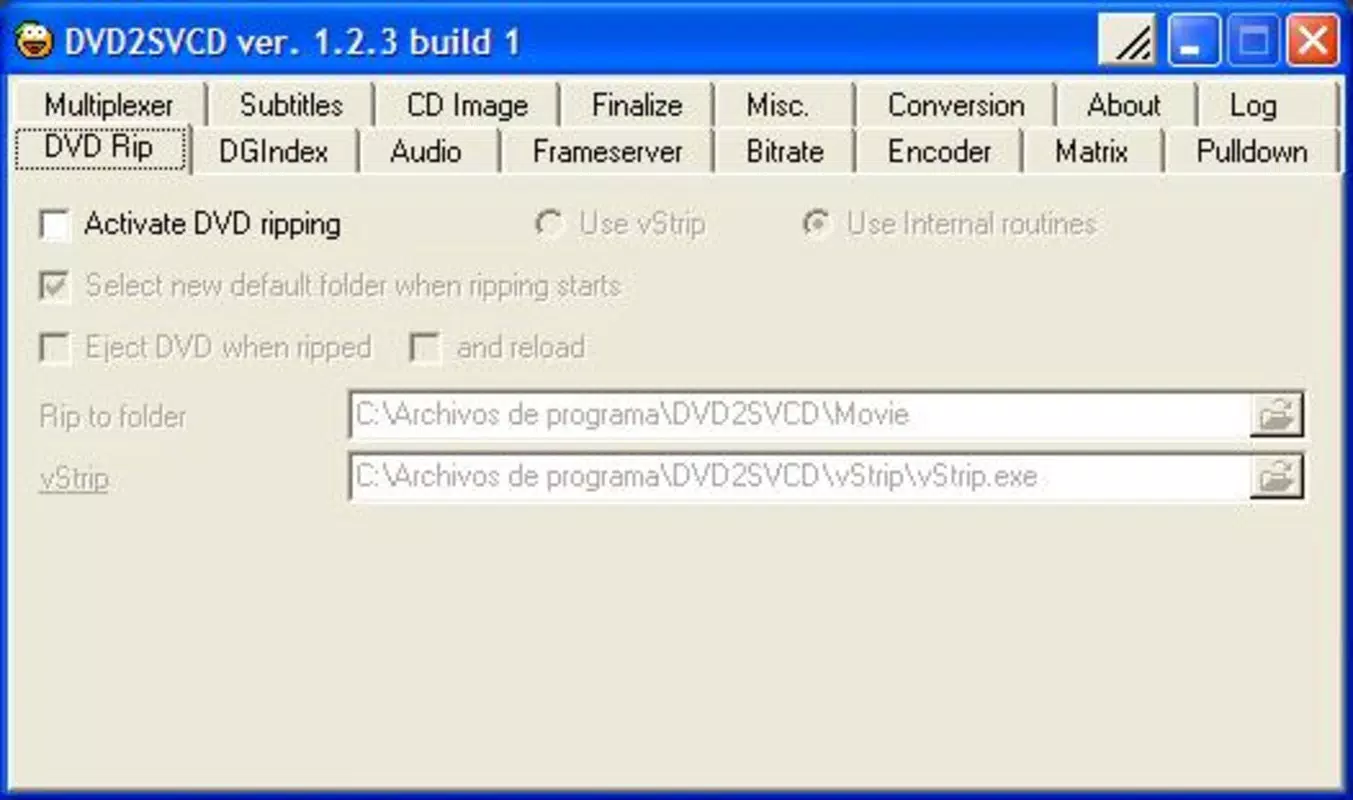
The user interface of DVD2SVCD reflects a functional, no-frills design focused on utility rather than visual appeal. Navigation is linear and straightforward, with clearly labeled buttons and input fields that guide users through the conversion steps. While the layout may appear dated by modern standards, it maintains a consistent structure that supports efficient task completion.
Although the developer did not list formal performance metrics, the app’s file size of 10.5 MB suggests it is lightweight and optimized for minimal system resource usage. It is expected to run smoothly on older Windows systems, including those with limited processing power or RAM. Responsiveness during conversion appears to be stable, with no reported issues related to crashes or freezes. The app maintains a consistent state throughout the encoding process, ensuring reliability in batch operations.
Users can expect a predictable experience across different device categories, particularly those running compatible versions of Windows. The lack of visual animations or complex graphics contributes to its lightweight nature, which may benefit users on low-end hardware. However, the absence of real-time progress indicators or advanced debugging tools may limit transparency for users unfamiliar with the conversion process.
Platform Compatibility & Technical Requirements
DVD2SVCD is designed for the Windows operating system and is available as a standalone executable file. The app’s size is 10.5 MB, making it compact and easy to download and install. The software version is 1.0, indicating it has reached a stable release state with no further updates announced.
The developer did not specify minimum OS requirements or compatibility details for modern Windows versions. As such, users should exercise caution when attempting to run the app on systems newer than Windows XP, as compatibility issues may arise due to outdated libraries or system dependencies. The absence of official documentation on supported platforms suggests it was primarily built for legacy environments.
Pros and Cons
Pros
- Free to download and use with no hidden costs
- Lightweight at only 10.5 MB in size
- Automates complex video conversion tasks
- Produces SVCD files compatible with most DVD players
- Supports customizable audio and subtitle selection
Cons
- Interface lacks modern visual design and may appear outdated
- No official support for newer Windows versions documented
- File size and version suggest no recent updates or active development
- Compatibility with current hardware and OS may be limited
- Limited feedback or documentation on troubleshooting
FAQ
Is DVD2SVCD safe to download and install?
Yes, the app is free and available from trusted sources. However, as it is a legacy tool, users should ensure they download from reputable websites to avoid bundled software.
Can I use DVD2SVCD on Windows 10 or Windows 11?
While the app was released in 2006, compatibility with modern Windows versions is not officially confirmed. Users may need to run it in compatibility mode or test it on a virtual machine.
Does DVD2SVCD support Blu-ray or other formats?
No, the app is specifically designed for DVD-to-SVCD conversion and does not support Blu-ray or other modern video formats.
Is there a mobile version of DVD2SVCD?
No, DVD2SVCD is a Windows-only desktop application and is not available for Android or iOS devices.
How do I update DVD2SVCD?
As of now, the latest version is 1.0, and no updates have been released. The app remains in a stable state but is not actively maintained.
Final Thoughts
DVD2SVCD remains a niche yet valuable tool for users seeking to convert DVD content into a CD-compatible format. Its automation, customization options, and compatibility with standard DVD players make it a practical choice for preserving media libraries on durable, widely supported media. While the interface may lack modern polish and compatibility with current systems is uncertain, the app’s core functionality remains effective for its intended purpose.
For individuals with older hardware, legacy DVD players, or a need for low-cost video archiving, DVD2SVCD offers a reliable, free solution. It stands out in the utilities category as a dependable, no-frills converter for a specific use case. Despite its age, it continues to serve a purpose in the digital preservation landscape.
Download DVD2SVCD now


